> For the complete documentation index, see [llms.txt](https://nx-finance.gitbook.io/nx-finance-whitepaper/llms.txt). Markdown versions of documentation pages are available by appending `.md` to page URLs; this page is available as [Markdown](https://nx-finance.gitbook.io/nx-finance-whitepaper/welcome-to-nx-finance/user-guide/slippage.md).
# Slippage
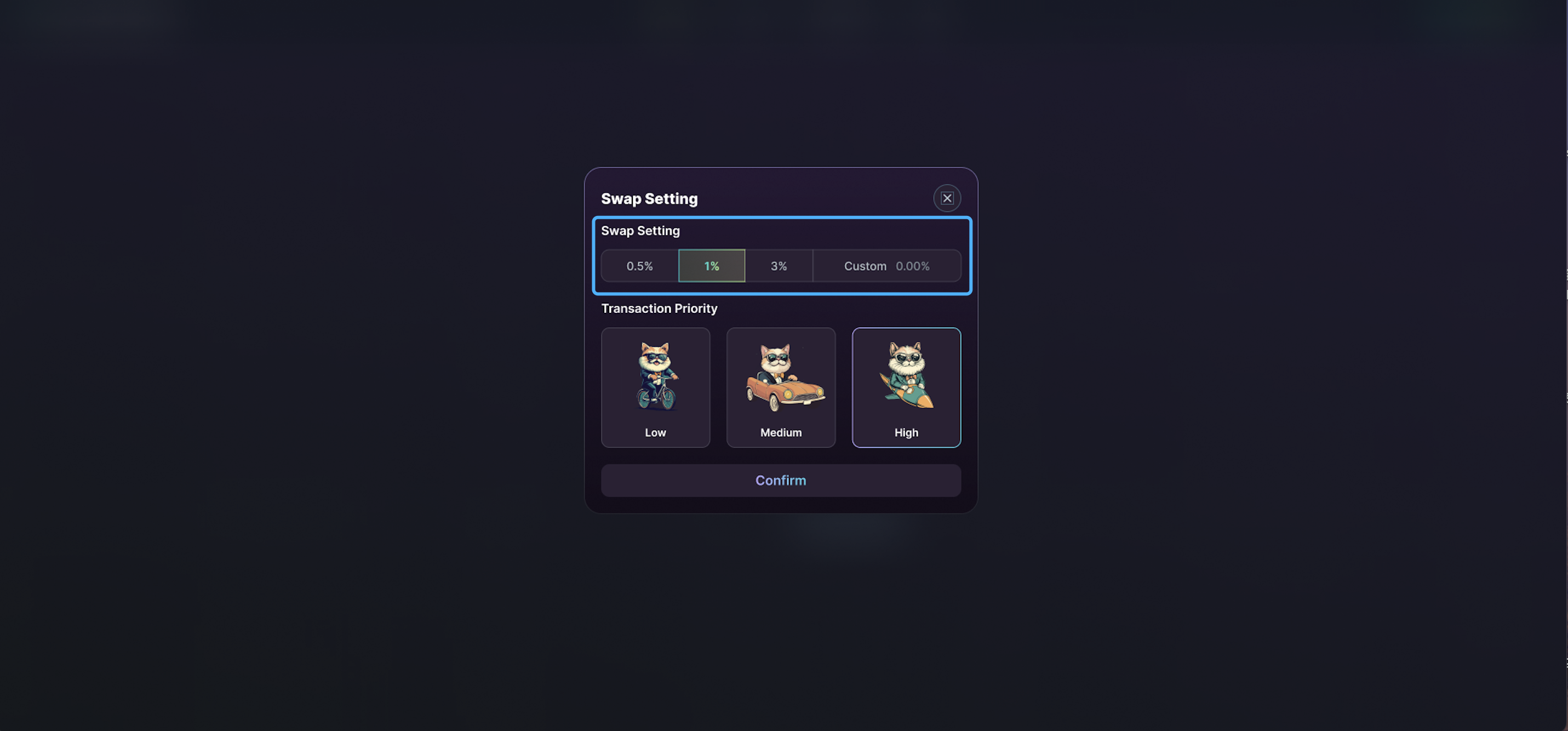
User can adjust slippage & transaction priority through the setting on top right corner
## Slippage Setting
Slippage occurs when the market fluctuates between the time a transaction is submitted and confirmed. To protect users from receiving fewer tokens than expected, the slippage rate acts as a safeguard.
You can either choose a fixed slippage rate or custom your ideal slippage.
## Transaction Priority
Manage the speed of your transactions. Opting for High or Medium will boost speed at a higher SOL expense.